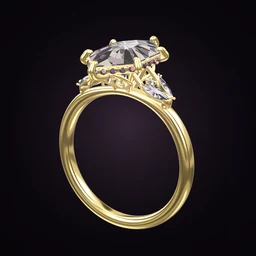
 Ring Studio
Ring designer
Ring Maker App
Ring Studio is a ring maker app for iPhone, iPad and Android: create an engagement ring or wedding band in 3D in a few minutes, starting from scratch, from a description, or from a random idea. When you've made one you love, a jeweller makes it real.
On this page
- Devices
- iPhone, iPad, Android
- Ways to start
- Blank design, AI description, Surprise me, style quiz
- Makes
- Engagement rings, wedding bands, stacks
- Time to first ring
- A few minutes
- Physical ring
- Made by a jeweller from your design
Four ways to make a ring in the app
People come to a ring maker app with very different starting points. Ring Studio has a route for each.
| You have… | Start with | What happens |
|---|---|---|
| No idea yet | Surprise me | The app generates a random ring to react to; tap again for another |
| A vague sense of taste | Style quiz | A few questions narrow down styles you're likely to love |
| A description in your head | AI design | Type it and the ring is built in 3D in seconds |
| Clear opinions | 3D designer | Choose every part yourself |
Whichever you pick, you end up in the same 3D editor where every part stays editable.
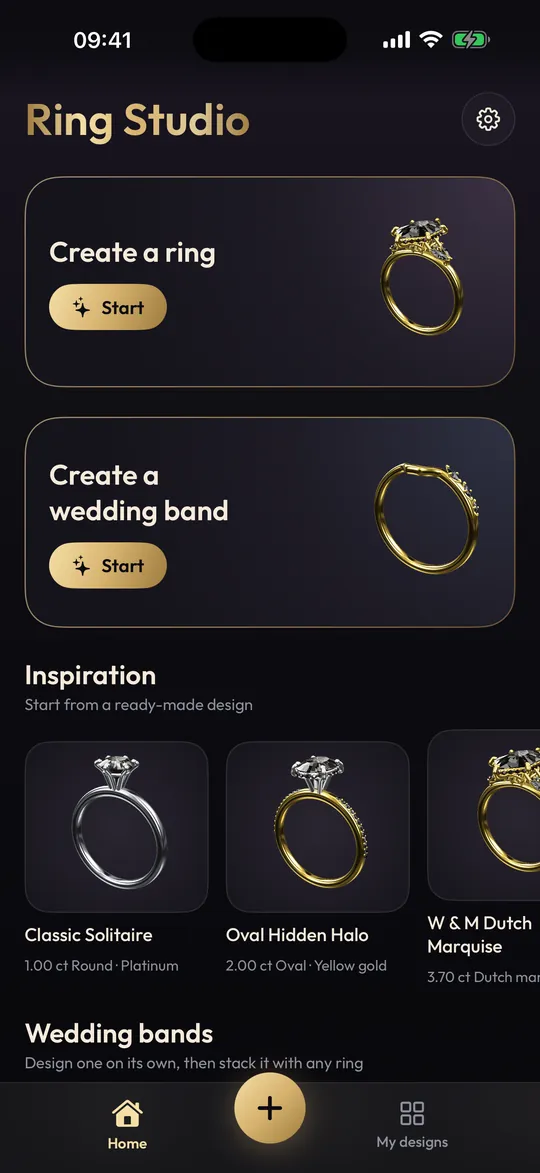
Make your first ring in five minutes
- Minute 1: tap Surprise me a few times, or answer the style quiz, and note what you like about the results.
- Minute 2: pick a centre stone shape and stone. Try something you wouldn't normally consider, such as a marquise or a blue sapphire.
- Minute 3: choose a setting and band. Flip between a plain and a pavé band.
- Minute 4: change the metal and watch the whole ring change character.
- Minute 5: rotate it, save it, and start another to compare.
Designs are saved on your device, so you can build a collection and come back to it.
Rings people make with Ring Studio
Engagement rings
The most common use: solitaires, halos, three stone rings and vintage looks, built with the right centre stone and checked from every angle. Our engagement ring designer page covers proposal planning.
Wedding bands
Plain, pavé, eternity, twisted or knife edge bands, alone or (with Pro) stacked and curved to sit against an engagement ring. See the wedding ring designer.
Promise and anniversary rings
A smaller stone, a coloured gem or a heart shape suits a promise ring. An eternity or three stone design is a classic anniversary ring.
Dream rings, just for fun
Plenty of people design rings purely for the pleasure of it. Try a black diamond in rose gold, or an east-west emerald cut on a twisted band.
Which stone to choose for a ring you make
The stone changes the character of a ring more than any other choice, and it also decides how well the ring will cope with daily wear. Ring Studio lets you swap between these stones with a tap, so it's worth knowing how they differ in real life before you fall for one on screen.
| Stone in the app | Mohs hardness | Everyday wear |
|---|---|---|
| Diamond (natural or lab-grown, white, yellow or black) | 10 | The most scratch resistant; ideal for a ring worn daily |
| Sapphire (blue or pink) | 9 | Very durable; a popular coloured alternative |
| Ruby | 9 | As tough as sapphire, in red |
| Emerald | 7.5-8 | Often included and more prone to chipping; a protective setting helps |
| Morganite | 7.5-8 | Soft peach-pink; scratches and dulls more than sapphire over time |
If you'd like moissanite, there isn't a separate option, but a colourless diamond looks the same on screen, so design with that and tell your jeweller.
Metals for the ring you make
Ring Studio's metals are yellow, white and rose gold, platinum and two-tone (Pro). The app shows colour, not karat, so the same white gold design could be made in 9k, 14k or 18k. Yellow gold flatters warm stones like morganite; platinum and white gold make colourless diamonds look icier. Flip through every metal with the ring in view before deciding, then read yellow gold and platinum vs white gold for the practical differences.
Free or Pro?
You can make complete rings for free: 12 stone shapes, the main settings and bands, all metals except two-tone, and 3 AI text tries. Ring Studio Pro adds unlimited AI design (text, photo and video), all 28 shapes, all halos, lotus and compass settings, try-on, wedding band stacks, hidden initials and ring codes. Exact details are on the free ring designer page.
What "ring maker" doesn't mean here
Ring Studio creates the design, not the ring. It doesn't sell jewellery, and it doesn't export STL files for 3D printing. To turn your design into a real ring, share screenshots or a ring code (Pro) with a jeweller, who builds a CAD model, casts it and sets the stones. Read how custom rings are made for the process, and custom ring costs for budgets.
Some styles, such as tension, cluster and split shank settings, don't have dedicated options yet; make the closest version and describe the difference to your jeweller.
Frequently asked questions
What is the best app to make a ring?
It depends what you mean by make. For designing and visualising a ring on your phone, a 3D ring designer like Ring Studio is the quickest route. For producing a manufacturing file, jewellers use desktop CAD software.
Does a ring maker app actually make the ring?
No app physically makes a ring. Ring Studio creates the design; a jeweller turns it into metal and stones. It doesn't sell rings or export files for 3D printing.
Is there a free ring maker app?
Ring Studio is free to download and you can create rings with 12 stone shapes, the main settings and bands and all metals except two-tone. Pro adds AI design, try-on and the advanced options.
Can I make a ring for fun, not to buy?
Of course. Plenty of people use Ring Studio to play with ideas, design dream rings or explore styles long before they're ready to buy.
Does the ring maker work on iPad?
Yes. Ring Studio runs on iPhone and iPad from the App Store, and on Android phones from Google Play.
Keep reading
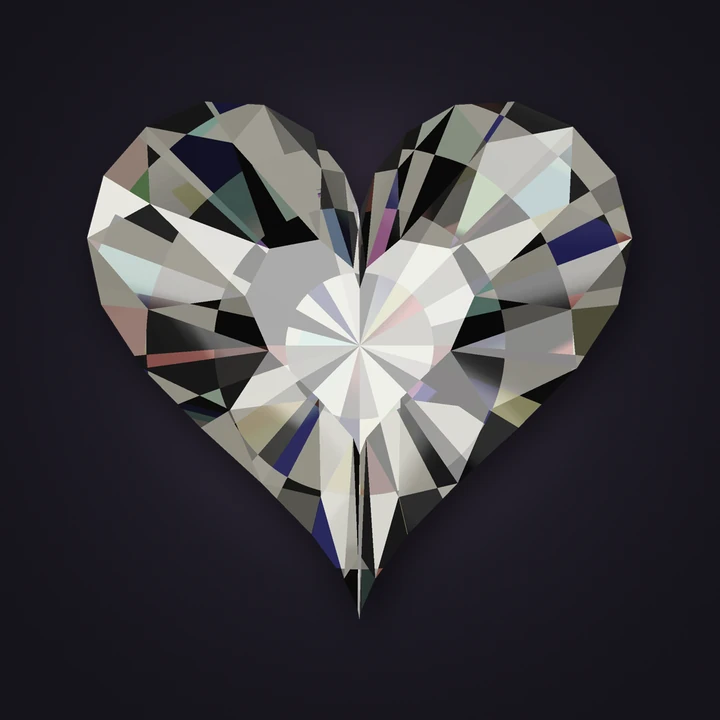 Stone shapesHeart Shaped Engagement RingsHeart engagement ring guide: why symmetry and size matter, carat-to-mm chart, prong placement to protect the point, band…